

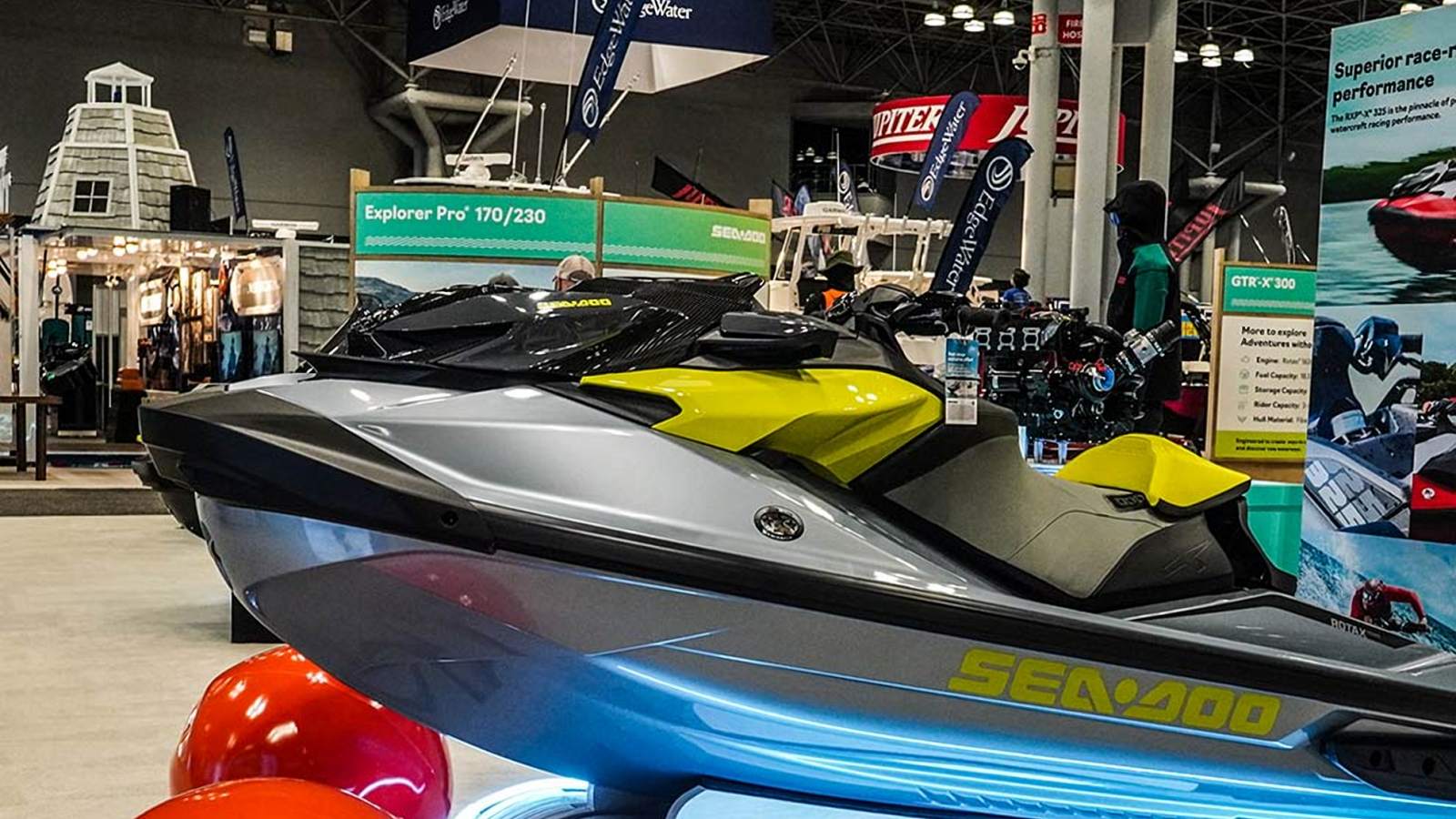
Video production is how an idea becomes a finished video that does a real job. Maybe that job is selling a product. Maybe it's recruiting, or explaining a service, or making sure the people who missed a three-day conference still get something out of it. The camera matters, sure. But sound, light, the edit, and how the files get delivered matter just as much, and most of the calls that make a video good get made before anyone hits record.
This guide covers the whole thing in plain terms: what video production actually is, how the three stages work, the common types of business video, and what changes when you're filming a live event, a trade show booth, or a keynote that won't happen twice. We wrote it for the people who end up owning these projects, usually an event planner, a marketing manager, or an exhibitor who needs video but doesn't buy it every week.
In This Guide
- What Is Video Production?
- The Three Stages of Video Production
- Pre-Production: Where Most Videos Are Won or Lost
- Production: What Happens on Shoot Day
- Post-Production: Turning Footage Into a Finished Video
- Common Types of Video Production
- Event Video Production: Filming Something That Only Happens Once
- Trade Show Video Production
- Conference Video Production
- A Sample Event Video Production Timeline
- How to Plan a Video Production Budget
- How to Choose a Video Production Company
- Video Production Frequently Asked Questions
What Is Video Production?
Video production is the full process of making video content, from the first planning call to the final file your team posts, plays, or sends out. That includes the concept and script, lining up crew and gear, filming, recording audio, editing, color, the sound mix, graphics, and exporting versions for each place the video will run.
Videography, video production, and filmmaking aren't the same thing
People mix these up all the time. Videography usually means the filming itself, often one operator covering an event or a session. Video production is wider. It includes the filming, plus the planning before and the editing after, plus whatever extra hands the job needs, like a dedicated audio engineer or a second camera operator. Filmmaking usually points to narrative work: short films, documentaries, features.
Why should a business care about the difference? Because it changes what you're paying for. Book "a videographer" and you might get a drive of raw footage and not much else. Book a production team and somebody owns the result, from the story and the sound to the edit and the delivery.
Why video is worth the effort for businesses and events
Video shows motion, voice, and energy in a way photos and text can't. Think about a packed show floor, a demo that only makes sense when you see it move, or the line in a keynote that gets the whole room laughing. You feel those on video. And one shoot travels far: the website, a sales deck, social, a recruiting page, next year's sponsor pitch.
That reach is exactly why planning matters. Video shot without a clear purpose tends to end up as a nice clip nobody knows what to do with. Video shot with one keeps paying off for months. Still not sure your project needs video at all? Start with our piece on when photography is enough and when to add video.
The Three Stages of Video Production
Nearly every professional video goes through pre-production, production, and post-production. Some teams tack on distribution as a fourth stage, which is a fair reminder that a finished video still has to reach someone. First-time clients are often surprised by how the time splits. On a well-run project a lot of the thinking happens up front, the shoot can be shorter than you'd guess, and the story really comes together in the edit.
- Pre-production: goals, audience, brief, script or outline, shot list, schedule, crew, logistics
- Production: filming, audio, lighting, interviews, and B-roll (the supporting footage)
- Post-production: editing, color, sound mix, music, graphics, captions, review rounds, export
- Distribution: getting the right version in front of the right audience on each channel
Our six-step process lines up with those stages. You reach us, we confirm cost and availability, we prep and plan together, we shoot, we edit, and we deliver the final project. Here's what each stage looks like up close.
Pre-Production: Where Most Videos Are Won or Lost
Pre-production is the planning phase, and nobody sees it. It's also where most videos succeed or fail. An unclear goal, a missing interview, a ballroom that echoes like a parking garage: all of these are cheap to fix on paper and expensive (or impossible) to fix once the event's over.
Pin down the goal and the audience
Before anyone talks gear, answer two questions. What should this video get someone to do? And who's that someone? A recap built to sell next year's sponsorships needs different shots than a recruiting piece about company culture. A booth loop has to work with the sound off, because nobody on a show floor can hear it. Write the goal and the audience down in a sentence or two. It keeps everyone, the crew included, aimed at the same thing.
Write a short creative brief
The brief turns that goal into instructions, and it doesn't need to be long. Cover the purpose, the audience, the key messages, the moments you can't miss, any brand rules, the deliverables, the deadline, and who signs off on the edit. One clear page wins over a forty-slide deck that gets skimmed the night before. We wrote about the same idea for photographers in how to brief an event photographer in one page, and almost all of it applies to video.
Script, outline, or shot list?
Not every video needs a script. A commercial or an explainer does. An event recap usually works better with a loose outline of the story and a shot list of the moments you can't miss. Interview pieces need a handful of questions written to pull out stories, not yes-or-no answers. Here's a rule we use a lot: the less control you have over what happens in front of the lens, the more your plan should focus on what to capture instead of what people should say.
Schedule, run of show, and crew size
On a studio-style shoot, you build the day around setups. Interviews in the morning, product shots after lunch, that kind of thing. At an event, the run of show is the schedule and the crew follows it. That's when these questions come up:
- How many rooms or stages need someone at the same time?
- Which moments deserve a second angle?
- Do you need a dedicated audio engineer or a camera operator on top of the main videographer?
- When can you grab speakers or executives for interviews without pulling them off their commitments?
- What time does the crew arrive, where does gear get staged, and who's the on-site contact?
We don't run city studios. Our crews are on-demand and nationwide, so we can size the crew to the job instead of sending whoever's sitting in one office. You can see the roles we hire for, including videographers, camera operators, sound and audio engineers, and video editors, on our careers page.
Location and venue logistics
Venues shape video more than people expect. Low ceilings, big windows, an HVAC hum, one outlet behind the stage, a strict load-in window, house or union rules. Any of those can change the plan. A quick scout helps a lot, and even a few phone photos and a floor plan let the crew show up with the right gear. At trade shows and conferences, show and venue rules often decide when and where you can film. More on that below.
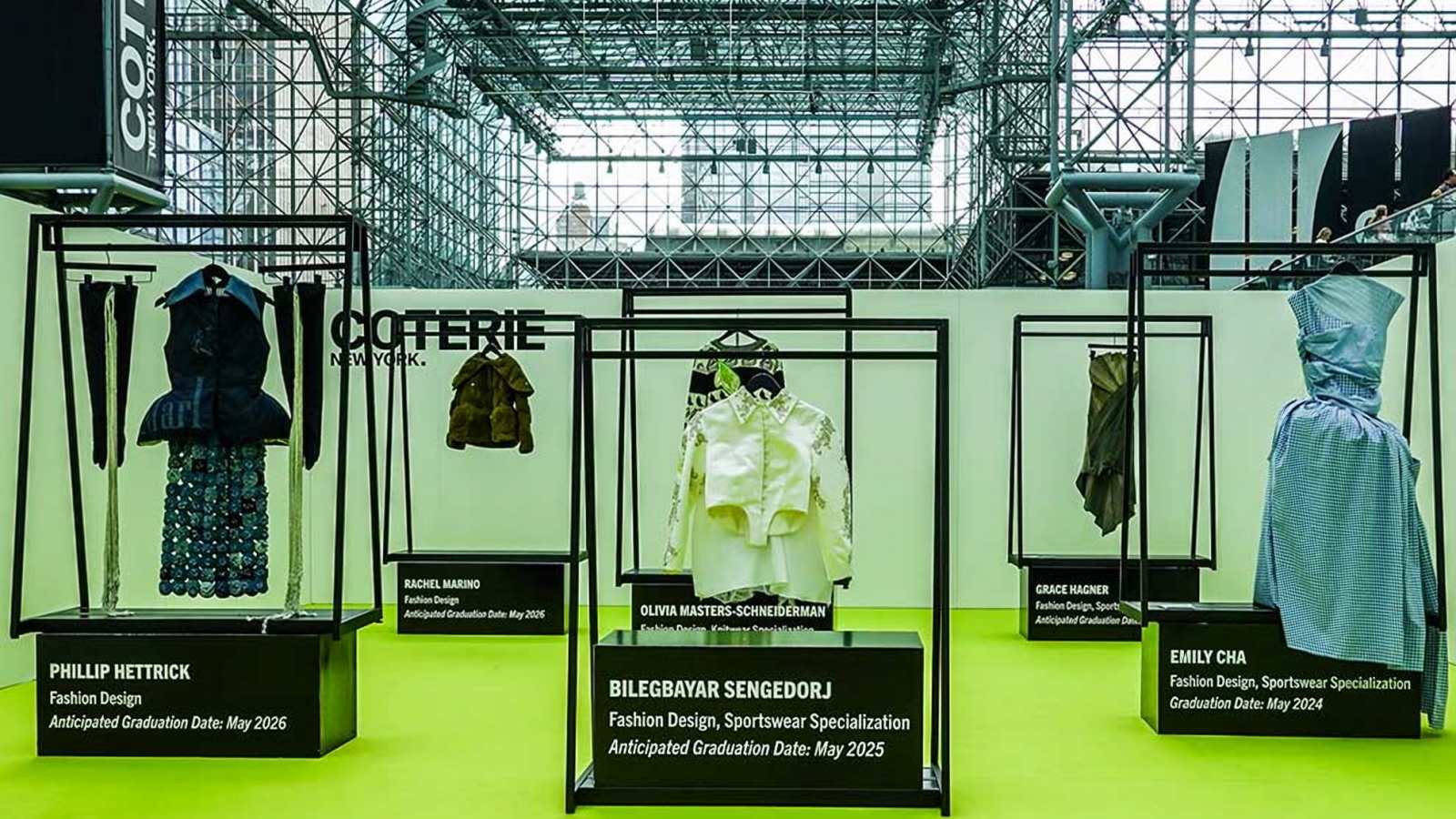
Production: What Happens on Shoot Day
Production is the filming. If the planning went well, shoot day feels oddly calm, since most decisions are already made. The crew runs the plan, adjusts when things change (they always do), and comes home with everything the editor needs.
Camera coverage
Coverage means shooting enough angles and moments that the editor has real options. For an interview, that might be a main camera plus a tighter second angle. For a keynote, a wide of the stage, a tight shot of the speaker, and cutaways of the audience. Our event video production crews often run multi-camera setups for exactly this reason. If a moment is big and can't be repeated, put a second camera on it.
Audio
People will forgive slightly soft footage. They won't forgive bad sound. For us, clean audio means lav mics on speakers and interviewees, a feed off the venue's sound board when someone's on stage, and a backup recording when the moment really counts. At an event, a dedicated audio person can decide whether a keynote is usable, because music, crowd noise, and room echo all fight the one voice you need.
Lighting
Good lighting isn't about brightness. It's about faces you can read and a frame that looks intentional. For interviews, that usually means a small portable kit to shape light on the subject. At events, the crew works with the stage lights and the room as they are, and picks spots and settings that keep speakers and products clear.
Interviews
Interviews give a video its voice. An executive on why the event matters. A customer describing a result. An exhibitor walking through a product, or an attendee reacting on the spot. Footage alone can't do that. Keep interviews short, prepared, and somewhere quiet enough to hear. The good ones sound like a conversation, not someone reading a card.
B-roll and atmosphere
B-roll is the footage that plays under interviews and narration: doors opening and people streaming in, hands on a product, a booth demo, a room clapping, a crew hanging signage the night before. It's what makes the video feel like it was shot in a real place. On event shoots our crews spend a big chunk of the day on it, because an editor who's short on B-roll ends up repeating the same few shots.
Backing up footage
Losing footage is worse than never shooting it, because the moment's gone. Pros copy cards during the day and keep more than one copy before anything gets wiped. Our FAQ explains that our crews carry backup cameras, batteries, and memory cards and back up data on site. That's what you want to hear before an event you only get one shot at.

Post-Production: Turning Footage Into a Finished Video
Post is where hours of footage turn into a few minutes people will actually watch. It's also the stage clients underestimate most, in time and in how much it shapes the result. The story gets decided in the edit.
Editing and story
An editor's first job is finding the story. Where's the strongest opening? Which moments carry the message? What pace fits the purpose? A sixty-second social recap gets cut very differently from a twenty-minute session recording. The rough cut nails the structure first, and fine cuts take care of timing, transitions, and polish.
Color correction and grading
Correction makes footage from different cameras and rooms match and look natural. Grading gives the piece one consistent look that suits the brand. If either one draws attention, it's been overdone. Done right, viewers just think the video looks professional.
Sound mix and music
The mix balances voices, music, and room sound so the message never gets buried. Music sets pace and mood, and it has to be licensed for how you'll use the video. Clients rarely notice a good mix. They notice a bad one in about two seconds.
Graphics, captions, and branding
Lower thirds with speaker names, simple titles, logos, an end card. Small touches like these make a video feel finished and on brand. Captions matter more every year, since plenty of people watch on mute, and accessibility should be part of the plan from the start. Keep graphics simple, and send logos and fonts before editing begins so nothing stalls waiting on a file.
Review rounds and approvals
Most projects get at least one review round. The smoothest ones have one person who gathers everyone's feedback and gives final approval. Notes with timestamps ("at 0:42, swap this shot") are far easier to act on than "it feels a little long." Agree on how many rounds are included up front so the schedule holds.
Where newer editing tools fit
Software now handles some of the slow, repetitive parts of post, like rough draft captions, searchable interview transcripts, and sorting a mountain of clips. That saves time. It doesn't make the judgment calls, though. Picking the opening moment, the quote that carries the message, and what to cut is still an editor's job. Treat auto captions and transcripts as a first draft that a person checks before anything goes out.
Export, delivery, and distribution
You'll usually want more than one version: a full cut, shorter social edits, vertical versions for phone-first platforms, maybe a silent loop for the booth screen. Plan those in pre-production, not after. A vertical cut comes out a lot better when the crew framed for it on the day.
Distribution is a step of its own. Decide where each version lives, who posts it, and when. A recap that goes out the week after the event almost always does more than the same video two months later. Our FAQ lists about two weeks for standard video editing and post-production, with rush options for an additional fee, and the exact timeline is written into the contract. For more on matching versions to channels, see event content for LinkedIn, the website, and sales decks.
Common Types of Video Production
Video production covers a lot of formats. Knowing the common ones makes it easier to explain what you need, and to spot when one shoot can cover several jobs.
Brand and company overview videos
These tell people who a company is and why it matters. Most mix interviews with leaders and staff, footage of the work itself, and a clear point about what sets the company apart. Our corporate video production page goes into this format.
Product and demo videos
Product videos show what a thing does and why anyone should care. They earn their keep on product pages, in sales calls, and on booth screens. Tight detail shots, a clear demo, and a short runtime go a long way.
Testimonial and interview videos
A customer describing a result in their own words usually beats anything a company says about itself. Testimonials take careful interview prep and a comfortable setting so people relax and sound like themselves. See our video testimonial production page.
Training and educational videos
Training videos teach a process, onboard new hires, or break down a complicated topic. Clarity beats polish here. Clean audio, screens you can read, and a logical order are what count. More on our educational video production page.
Commercials and social ads
Commercials are short, scripted, and built to persuade fast. Social ads often get cut from the same footage in several lengths and aspect ratios. Our commercial video production page covers that work, and our reels portfolio has short vertical examples.
Event, trade show, and conference video
Event video captures something that only happens once, whether it's a gala, a launch, a keynote, or a booth on a slammed show floor. There are no retakes, so planning and crew experience count for more here than anywhere else. The next three sections are all about it.
Event Video Production: Filming Something That Only Happens Once
Event video goes through the same three stages as anything else. The pressure's just different. You can't ask the keynote speaker to walk back out, and you can't stage the product reveal a second time. The crew has to be in position, with the right gear, already rolling.
The run of show is your shot list
At an event, the agenda is the backbone of the plan. The crew needs the final run of show, the names of speakers and VIPs, and a list of must-capture moments with times next to them. Agendas change at almost every event. So name an on-site contact who can tell the crew when the CEO's remarks move from 9:00 to 9:40.
Multiple rooms, one crew plan
Lots of events run several things at once: a general session, breakouts, a sponsor lounge, an evening reception. Decide early which spaces get a full crew, which get a roaming camera, and which you can skip. Try to cover everything with too few people and you'll end up covering nothing well.
Sound at live events
Audio is one of the most common places event video goes wrong. Ask the venue or AV team if the crew can take a feed from the sound board, and plan mics for anyone you're interviewing. Background music, a loud cocktail hour, and a ballroom with hard walls all make clean audio harder than it looks.
Working around attendees
A good event crew catches the energy of the room without becoming part of the show. They watch sightlines, stay out of aisles, respect no-filming areas, and know when to step back. Attendees should remember the event, not the camera.
Photo and video from the same plan
When you book photo and video together, one brief and one run of show drive both. The photographer and the video crew can split positions so they're not in each other's shots, and you come away with stills for press and social plus footage for the recap. You also deal with one contact and one schedule instead of two vendors working from different notes.
You'll find the event types we cover, from galas and award ceremonies to product launches and seminars, on our event video production services page. A lot of clients add event photography so stills and footage come from the same plan.
Trade Show Video Production
Trade show video is event video with tighter rules and a bigger payoff. A booth is small, loud, and crowded, and the show runs on rules set by the organizer and the venue. But it's also one of the few places where your product, your team, your customers, and your prospects are all standing in the same aisle.
Decide what the booth video is for
Trade show video usually has a handful of jobs. It can prove the booth was busy, keep demos selling after the show closes, capture customer and partner interviews, feed social while the show's running, and give sales something to work with next year. Pick the two or three that matter most so the crew spends its hours where they count.
Booth interviews and demos
Booth interviews need a plan for sound and a slightly quieter corner, even if it's only a few feet from the busiest spot. Demos go best when the presenter knows the camera's rolling and is ready to repeat the key move if someone walks through the first take. A short, well-lit demo is some of the most reusable footage you'll get out of a show.
Booth screens and silent loops
Plenty of booths play video on a screen all day that almost nobody hears. So a booth loop has to explain itself with motion, short on-screen text, and clean product shots, and it has to make sense wherever someone starts watching. If you want this year's footage to become next year's loop, tell the crew. They'll grab wide, clean shots that loop well.
Show rules and exhibitor designation
Big shows often treat outside photo and video crews as exhibitor-appointed contractors. You, the exhibitor, or your exhibitor services contact designate the crew through the show's own process and on its timeline. That paperwork is the exhibitor's to file, and the deadline can land weeks before move-in. Open your exhibitor manual early. If this is your first show, our first-time trade show exhibitor checklist walks through what to look for.
Post during the show, not only after
Shows last a few days, and a post that goes up while the show's still running reaches people who are walking the floor right now. If you want clips during the show, build it into the plan: who edits, how fast, who posts. We offer same-day or next-day highlight edits, so on a multi-day show your recap can go up while people are still talking about it.
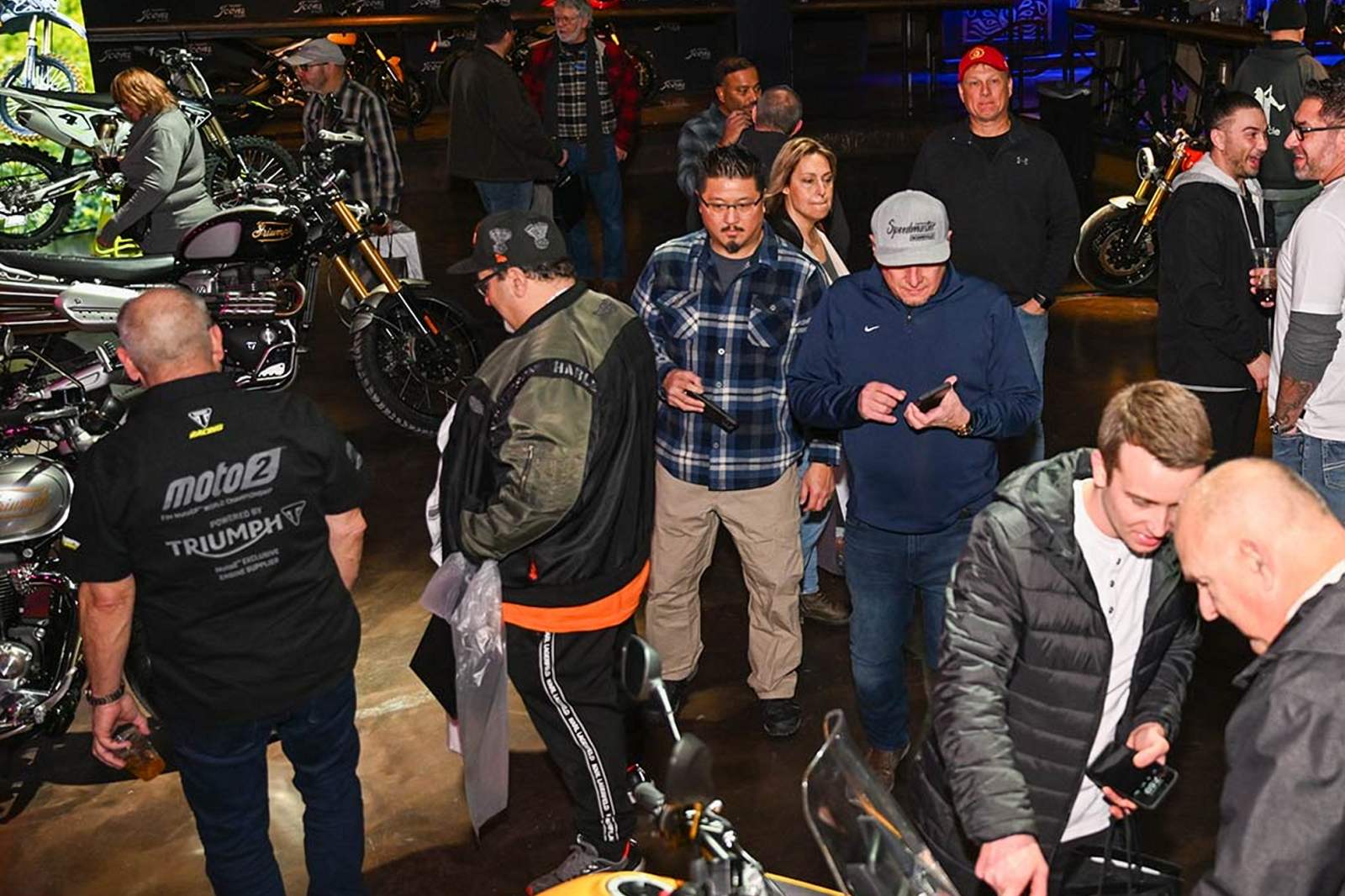
Our trade show and conference coverage page lists what we film at shows. For a show-specific example, see our CES 2027 Las Vegas coverage guide.
Conference Video Production
Conference video is mostly people talking. Keynotes, panels, breakouts, and the hallway conversations in between. Done right, a few days of sessions turn into a library the organizer, sponsors, and speakers can pull from all year.
Keynote and session capture
Recording a session well takes a steady wide shot, a tighter shot on the speaker, clean audio off the board, and a plan for slides. Decide early whether slides get cut into the edit, sit side by side with the speaker, or get left out. And ask speakers for their final decks and their OK to record, since not every session can go public.
Speaker and attendee interviews
Quick interviews with speakers and attendees add perspective a session recording can't. You need a small interview spot away from the main hall, a few prepared questions, and someone who walks people over at the right time. Our speaker video production page has more.
Live streaming and hybrid audiences
A live stream opens the conference up to people who can't be in the room, and it comes with its own checklist. You'll need a reliable connection, a way to switch between cameras, graphics, and someone actually watching the stream. Our live stream video production page covers multi-camera streams for events and hybrid audiences. Confirm the platform, the connection, and a backup plan with the venue well before the day.
Sponsor and recap content
Sponsors want proof they were seen. Plan shots of sponsor areas and branded moments, and think about short sponsor-specific clips as their own deliverable. A recap that shows full rooms and people actually engaged also turns into one of your best tools for selling next year's event.

A Sample Event Video Production Timeline
Every project has its own calendar, but most event shoots follow a similar rhythm. Treat this as a checklist, not a rulebook, and bend it around your event, your show's deadlines, and how your approvals work.
Several weeks or more out
- Settle the goal, the audience, and the deliverables
- Get a written estimate and confirm the crew is free on your dates
- Read the venue's or show's rules for outside crews, and if you're exhibiting, start whatever designation the show requires
- Share the draft agenda and the names of speakers, executives, and sponsors who need coverage
One to two weeks out
- Lock the run of show and the must-capture list
- Confirm interview subjects and get time on their calendars
- Sort out audio with the venue or AV team
- Send logos, fonts, and lower-third styles for the edit
- Name an on-site contact, plus a backup in case they're stuck in a session
Event days
- Crew gets in early to stage gear and check light and sound
- Coverage follows the run of show, and interviews slot into the quiet stretches
- Cards get backed up during the day
- Any during-show clips go through the review path you agreed on
After the event
- The editor builds a rough cut of the main recap first
- Your approver sends one set of timestamped notes
- Final cuts and shorter versions arrive in the agreed formats
- Your team schedules each version on the channel it was made for
The biggest timing risk usually isn't the edit. It's late information. A changed agenda, a speaker nobody asked about an interview, a show deadline that slipped past. Send details early and the crew can plan around almost anything.
How to Plan a Video Production Budget
Every quote is built from the same handful of factors. Once you know them, comparing proposals gets a lot easier, and so does deciding where the money should go.
What drives the cost
- Crew size and roles: one videographer, or a team with camera operators, an audio engineer, and an editor
- Time on site, from a few hours to several show days
- How many cameras and setups, especially at multi-room events
- Gear needs like extra lighting, audio, live streaming equipment, or a drone
- Post-production scope: how many edits, lengths, versions, graphics, and review rounds
- Turnaround, since rush editing costs more than a standard schedule
- Travel, because travel fees may apply outside major hubs
When you line up quotes, check that each one covers the same crew, hours, and deliverables. A lower number that skips audio, a second camera, or the short social edits isn't cheaper if you end up needing them. Our FAQ explains that pricing depends on service type, duration, location, and customization, and that a contract with a deposit holds your date. The quickest way to a real number is to send your event details and deliverables and ask for a written estimate.
Get more out of one shoot
The most efficient productions plan several deliverables from the same day. A main recap, short social cuts, interview clips, session recordings, and stills if you've booked photography too. Every extra version you plan ahead costs far less than a second shoot. Our article on maximizing ROI from corporate photography and video goes deeper.
How to Choose a Video Production Company
Picking a production company is mostly about fit. The right team for a scripted commercial might be the wrong one for a three-day trade show, and the other way around.
Look for work like yours
A gorgeous brand film doesn't prove a crew can handle a noisy show floor. Ask for work that looks like your project, such as event recaps, booth videos, session recordings, or interviews. Our videography portfolio is sorted by type so you can find the relevant stuff fast.
Pay attention to how they plan
A strong partner asks a lot of questions before the shoot. Who's the audience? What can't be missed? Who approves the edit? If a company sends a quote without asking about your goals, expect a generic video.
Understand the crew model
Some companies staff studios in certain cities. Others, like us, work with on-demand crews nationwide and size each crew to the job. Either way, ask who'll actually be on site, what each person does, and who your contact is before, during, and after the event.
Get deliverables and rights in writing
The contract should list each deliverable with its length and format, plus the timeline, the number of review rounds, and how you're allowed to use the footage. Our FAQ notes that our contracts include usage rights for personal and commercial use. Our guide on usage rights for marketing teams covers what to look for.
Questions to ask before you book
- Have you filmed events like ours, and can I see a few?
- Who'll be on site, and what does each person handle?
- How do you get clean audio from interviews and the stage?
- How is footage backed up during the event?
- Which deliverables, versions, and review rounds are included?
- What's the turnaround, and how does rush work?
- What do you need from us, and by when?
If the project includes drone footage, ask about licensing and airspace too. In the U.S., commercial drone pilots follow FAA rules, summarized on the FAA's commercial operators page. Our drone video production page covers that service.
Video Production Frequently Asked Questions
What are the three stages of video production?
Pre-production, production, and post-production. Pre-production is planning: the brief, scripts or shot lists, scheduling, logistics. Production is filming and recording audio. Post is editing, color, sound, graphics, captions, and delivery. Plenty of teams count distribution as a fourth stage.
How long does video production take?
That depends on scope. Planning might take days or weeks, filming can run a few hours or a full show, and editing comes after. Our FAQ lists about two weeks for standard video editing and post-production, with rush options for an additional fee. Your contract spells out the exact timeline.
Is video production worth it for a smaller event?
Usually, if the scope fits the goal. A smaller event might only need one videographer, a short recap, and a couple of interview clips. Room size isn't really the question. What the footage has to do afterward is. If it'll help you sell, recruit, or promote next year's event, a focused shoot can pay for itself through reuse.
How far in advance should I book an event video crew?
As early as you can. Our FAQ recommends booking two to three months ahead for popular services and busy dates, and we take last-minute requests when crews are available. For trade shows, check the exhibitor deadlines too, because outside crews often have to be designated by the exhibitor well before the show opens.
How much does video production cost?
It comes down to crew size, time on site, gear, post-production scope, turnaround, and travel. Since every event is different, the honest answer is a written estimate based on your date, location, and deliverables. Call 800-910-0078 or email support@anytimepicture.com for a quote.
What's the difference between a videographer and a video production company?
A videographer is usually one person who films. A production company runs the whole project, from planning and crew to audio, editing, and delivery, and can add camera operators, audio engineers, or editors when the job calls for it.
Can one shoot produce content for several channels?
Yes, if you plan for it. Tell the crew ahead of time which versions you want (full recap, short social cuts, vertical edits, interview clips, session recordings) so they shoot the right footage and frame for each format.
Do you film trade shows and conferences outside major cities?
Yes. We work nationwide with on-demand crews, and our FAQ notes that we cover all 50 states. Travel fees may apply outside major hubs.
Can you live stream our event?
Yes. Our live stream video production service covers events and hybrid audiences. Send your platform, venue, and connection details early so the crew can plan cameras, audio, and a backup.
What should I send the crew before the event?
The final run of show, your must-capture list, names and photos of key people, the on-site contact's cell number, venue load-in details, any show or venue filming rules, brand assets, and the deliverables you expect. One page covering all that is usually plenty.
Good video production comes down to a clear plan, a crew that gets the moment the first time, and an edit built around what the video has to do once it's out in the world. At events, trade shows, and conferences, the plan follows the run of show, works inside the venue and show rules, and accounts for every version your team will want after the doors close. Get that right and one event can keep giving you useful content for months.
Got a trade show, conference, or corporate event coming up? Let's discuss your project. Send us your event details, call 800-910-0078, or email support@anytimepicture.com.